Install HORSE PROTECTOR Desktop
Install HORSE PROTECTOR Desktop on your Windows or Linux computer.


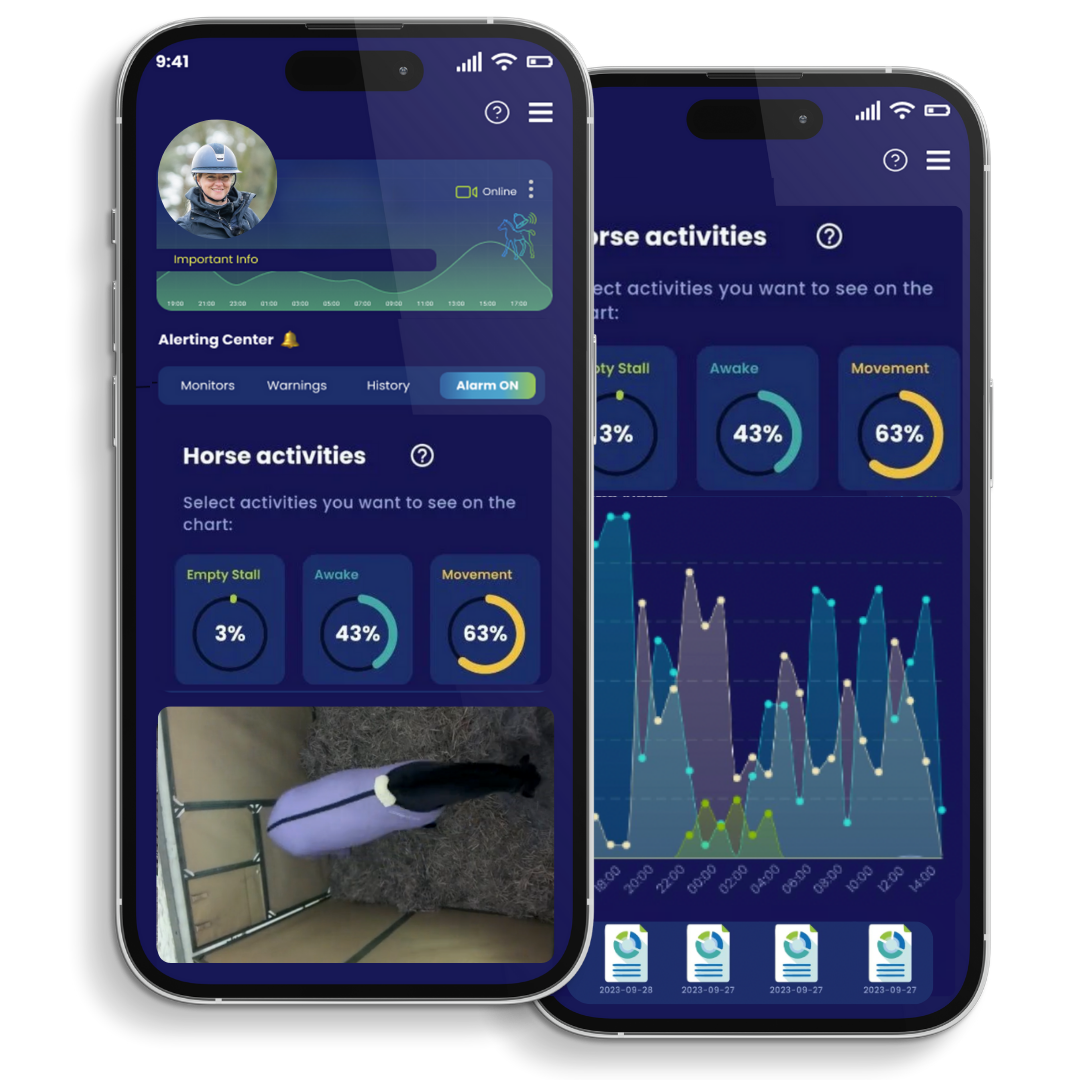
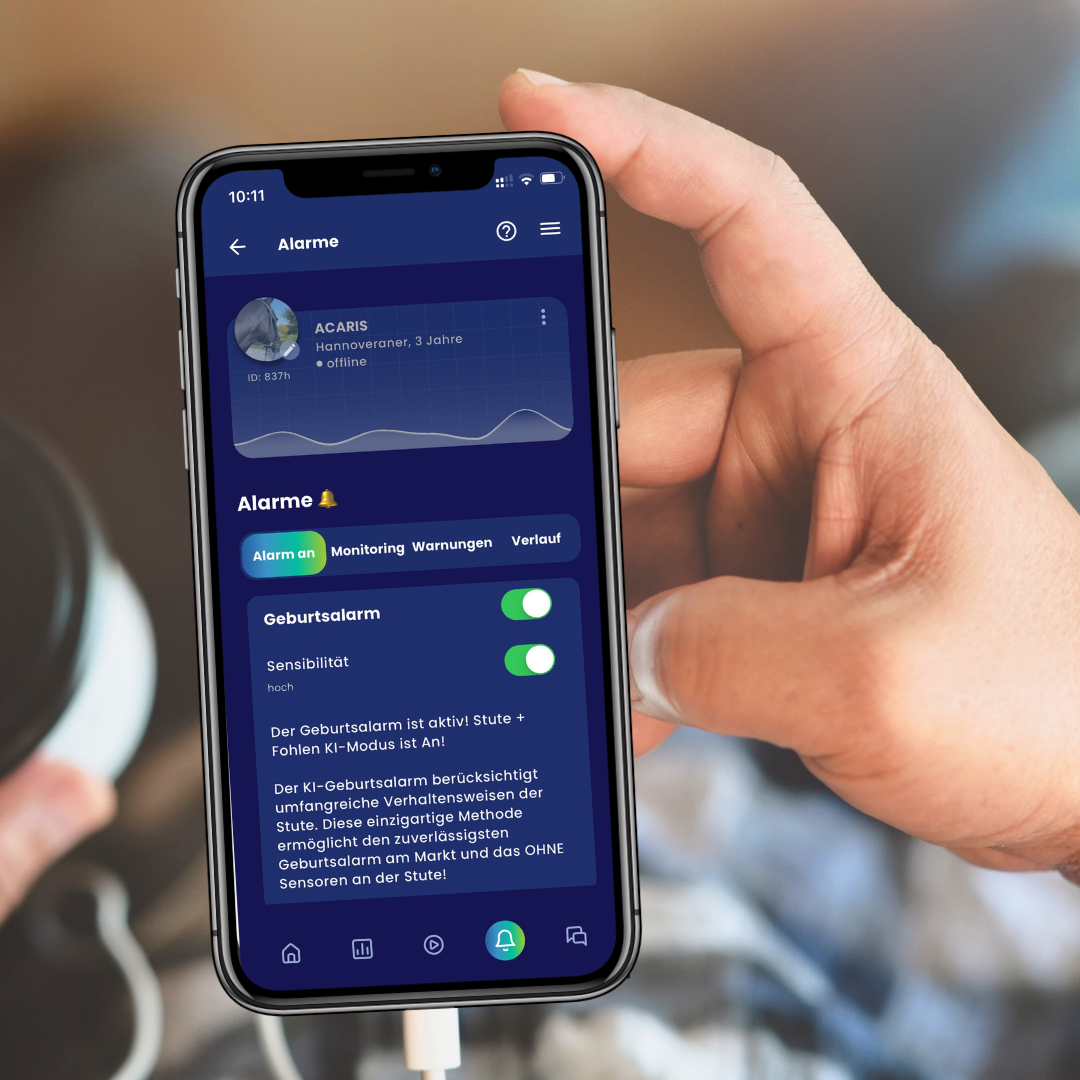

Run ACARiS health, security and behaviour monitoring on your own Windows or Linux computer – using your existing compatible stable cameras.
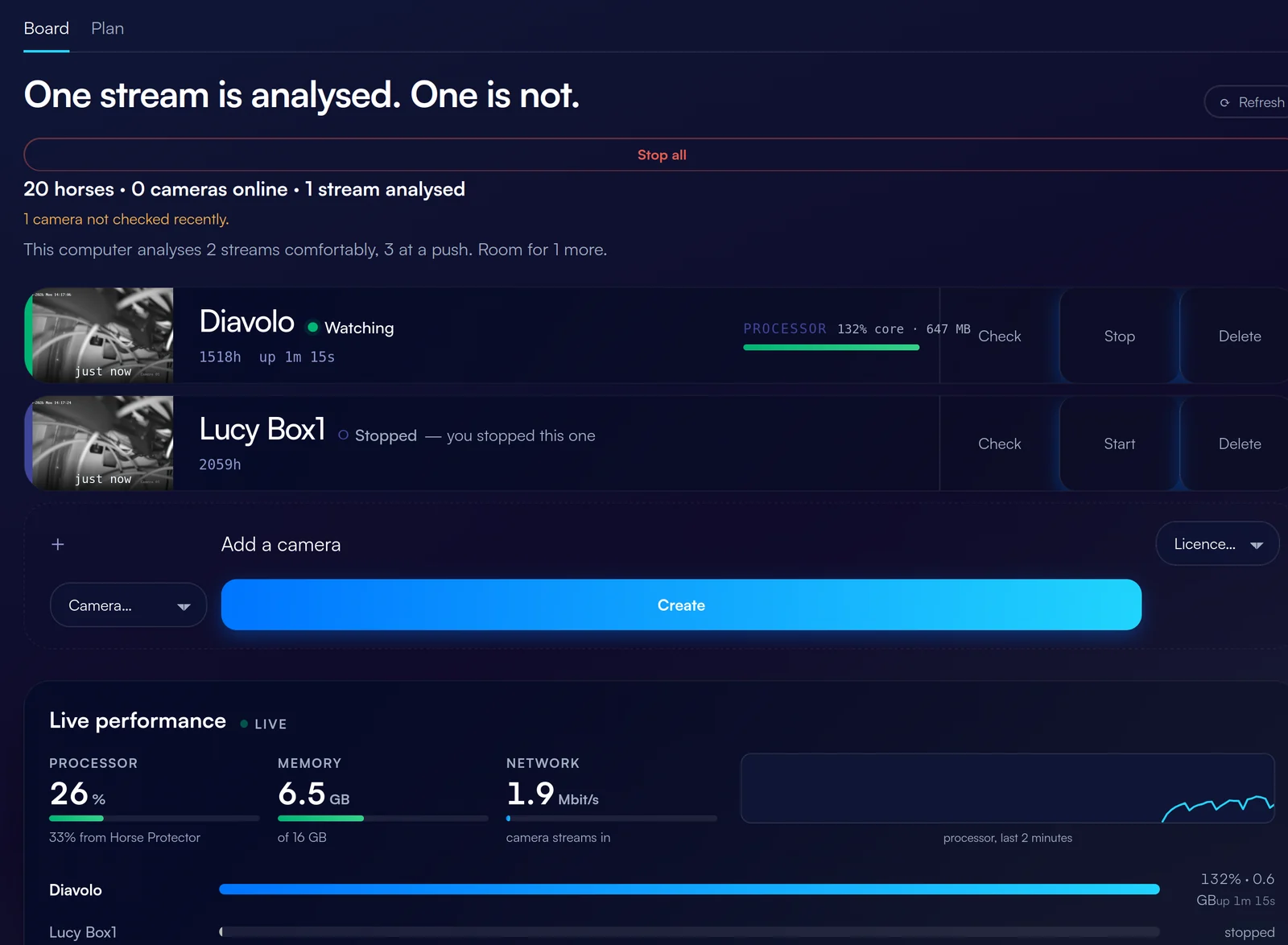
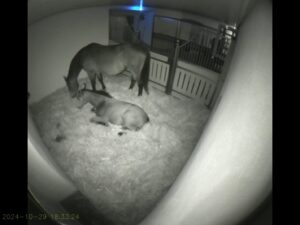
If you already have compatible cameras in the stable, you do not need a separate AI device for each one. HORSE PROTECTOR Desktop uses your own computer as the local processing platform.
Compatible existing camera streams from your stable.
A suitable Windows or Linux machine handles the processing.
HORSE PROTECTOR analysis for health, security and behaviour.
Analyse multiple camera streams locally on one Windows or Linux computer.
The number shown is an example. Actual capacity depends on hardware, camera settings and network conditions.
HORSE PROTECTOR Desktop is not a reduced version. It is the same HORSE PROTECTOR as on ACARiS hardware – just running on your own computer. Birth alerts, colic alerts, stable security, behaviour analysis and reporting are identical.
*With HORSE PROTECTOR Desktop, image quality, livestream resolution and the number of cameras analysed simultaneously depend on your own cameras and computer hardware. The AI features and alerts are identical.
Install HORSE PROTECTOR Desktop on your Windows or Linux computer.
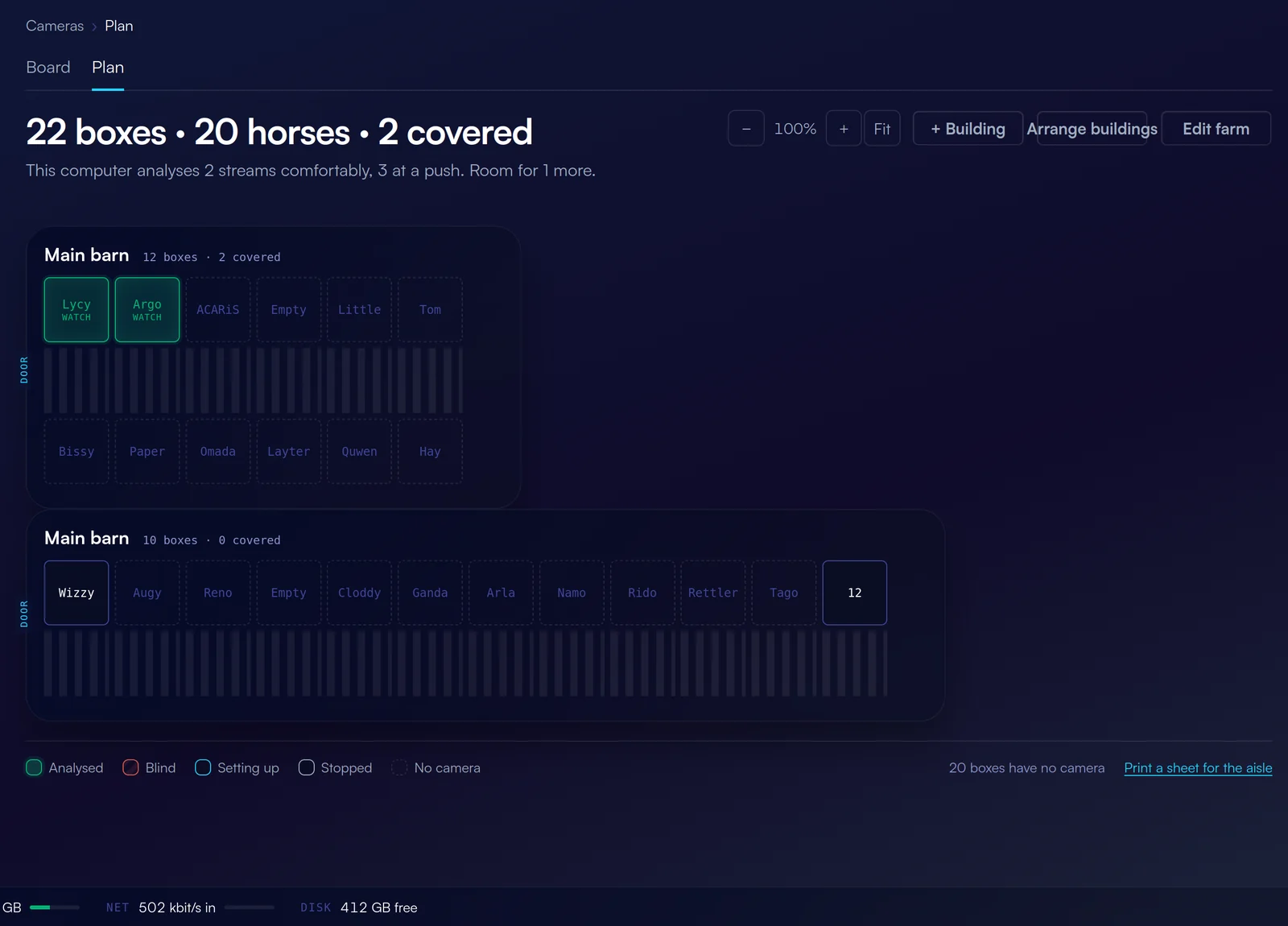
Add your compatible camera streams, create your stable layout and assign each camera to its stall.
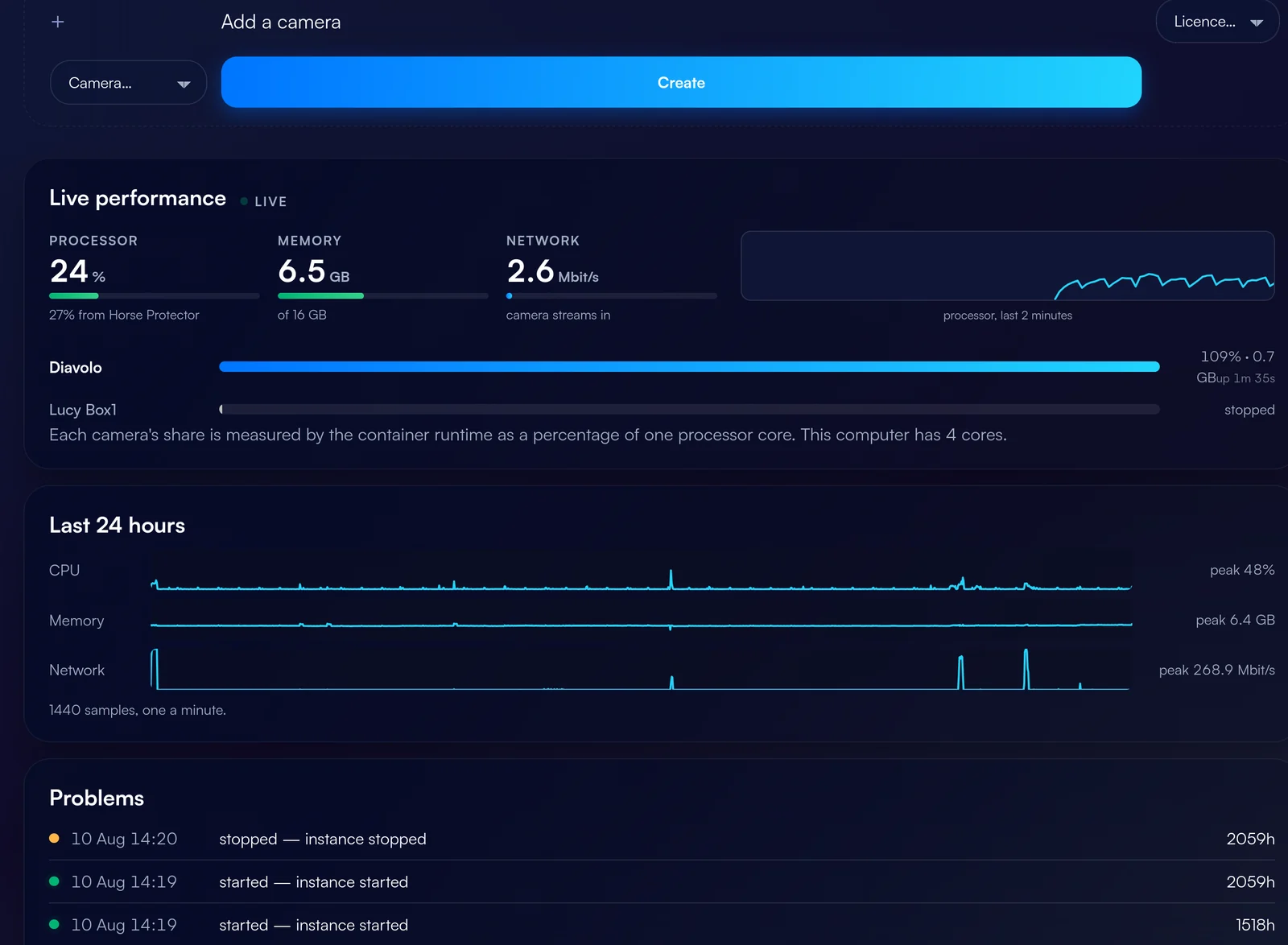
Start your camera streams and let ACARiS analyse your horses around the clock. View monitoring results on your desktop and in the ACARiS app.
The birth alert and the AI colic alert work exactly as they do in HORSE PROTECTOR 2.0 – supported by the same continuous behaviour analysis.
Set monitoring hours; unexpected stable activity triggers an alert.
Compare daily activity and identify changes in the behaviour of individual horses – with the same reporting as on ACARiS hardware.
An ordinary camera shows you video. HORSE PROTECTOR interprets what is happening.
Multiple camera streams are analysed simultaneously on the same machine.
Runs on compatible Windows or Linux computers and servers.
AI analysis runs on your own hardware.
Camera capacity depends on your computer and local network.
More capable hardware can process more streams.
*Typical performance. Actual capacity depends on hardware, camera settings and network conditions, and is not guaranteed performance.
Measured figures for typical machines. The lower of the two limits always applies – processor or memory.
| Processor | Cores | Memory | Graphics card | Streams |
|---|---|---|---|---|
| Ryzen 5 7430U | 6 | 16 GB | not required | 5 RAM-limited |
| Ryzen 5 5600 / i5-12400 | 6 | 32 GB | not required | 7 CPU-limited |
| Ryzen 7 5700X / i7-12700 | 8 | 32 GB | not required | 9 CPU-limited |
| Ryzen 9 7900 / i9-13900 | 12 | 64 GB | not required | 14 CPU-limited |
| Ryzen 9 7950X | 16 | 64 GB | not required | 20 CPU-limited |
| Xeon / Threadripper | 32 | 128 GB | not required | 38 CPU-limited |
Analysis runs on the processor. No dedicated graphics card is required.
*Measured guide values, not guaranteed performance. Camera settings, stream type and network affect the result – the capacity test in HORSE PROTECTOR Desktop measures your actual setup.
All three deliver the same feature set. The only difference is the hardware.
“I want a complete ACARiS solution.”
“I already have cameras and suitable computer hardware.”
“I want to extend existing cameras with dedicated ACARiS hardware.”
How many cameras a machine can analyse depends on your IP cameras and your computer hardware – on processor, memory and free storage. Choose your setup for a rough estimate.
A guide value, not guaranteed performance. The exact camera model, stream type and network affect the result – the capacity test in HORSE PROTECTOR Desktop measures your actual setup.
ACARiS is testing the product with selected users in real stable environments before it becomes more widely available.
Selected users and real stable environments.
Compatibility, performance and user experience.
Commercial availability and shop integration to follow.
Be the first to know when HORSE PROTECTOR Desktop becomes publicly available.
The current trial phase is already closed. You can register here to be informed about the product launch.
HORSE PROTECTOR Desktop is the software variant of HORSE PROTECTOR: the ACARiS AI runs locally on your own Windows or Linux computer and analyses the images from your compatible existing stable cameras.
Compatible existing cameras can continue to be used. Not every camera on the market is suitable – which models and stream formats are supported will be published at product launch.
Windows and Linux computers meeting the currently validated system requirements.
That depends on the performance of your computer, the camera configuration and network conditions. A normal laptop typically manages around four streams and a workstation around twenty – as a guide, not as guaranteed capacity.
The analysis runs locally on your computer. Alerts and results are delivered through the usual ACARiS channels.
All of them. HORSE PROTECTOR Desktop offers the same feature set as HORSE PROTECTOR 2.0 and the Smartbox: birth alert, colic alert, security and intruder alert, continuous health and behaviour monitoring and the associated reporting – on the desktop and in the ACARiS app. Image quality, livestream resolution and the number of cameras analysed simultaneously depend on your own cameras and hardware.
With Desktop, your own computer processes multiple camera streams. The Smartbox is dedicated ACARiS hardware used to extend an existing camera installation.
No. The product is currently in a closed pilot phase and is not yet available in the shop.
Information about the official product launch will follow.
The current trial phase is already closed. You can, however, register to be informed about the product launch.
Nothing. HORSE PROTECTOR Desktop can be downloaded and installed free of charge to check your cameras and hardware. The closed pilot phase concerns the ongoing analysis in the stable, not the capacity test.
The new way to use HORSE PROTECTOR with your existing compatible infrastructure.
You are currently viewing a placeholder content from Elfsight. To access the actual content, click the button below. Please note that doing so will share data with third-party providers.
More Information